cursorpet
a little pet that follows your cursor around your mac,
hanging from a playful rope. lives in your menu bar.
- follows your cursor on a springy rope
- lives in the menu bar, no dock clutter
- pick a built-in pixel pet, or import your own image / gif
- customize size, outline, and rope length / color
- works across monitors and over full-screen apps
- optional fade when your cursor goes idle
- a hidden bounce mini-game to discover
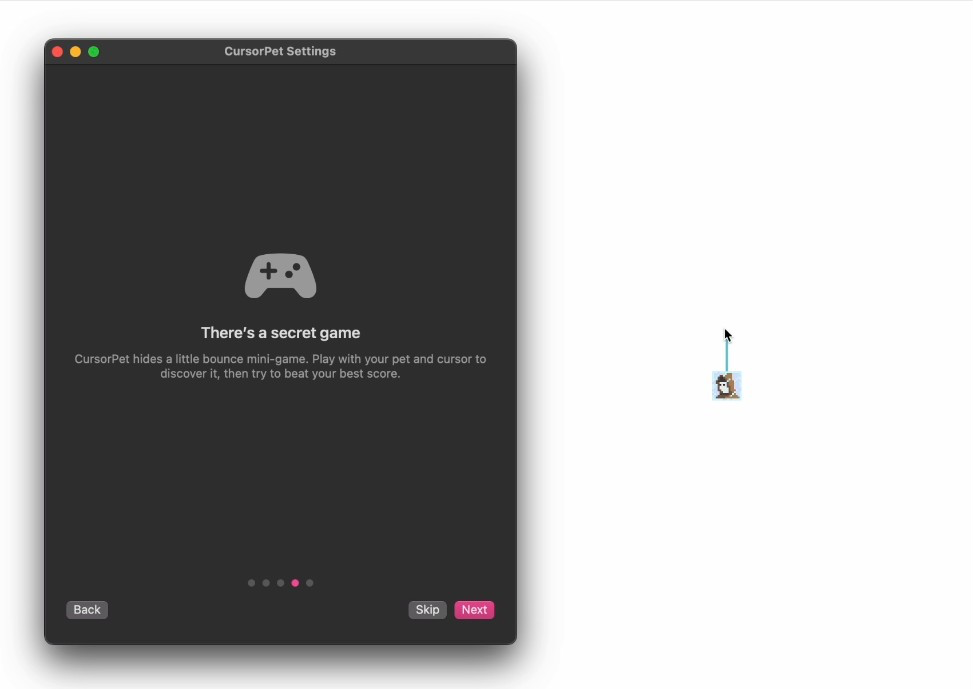
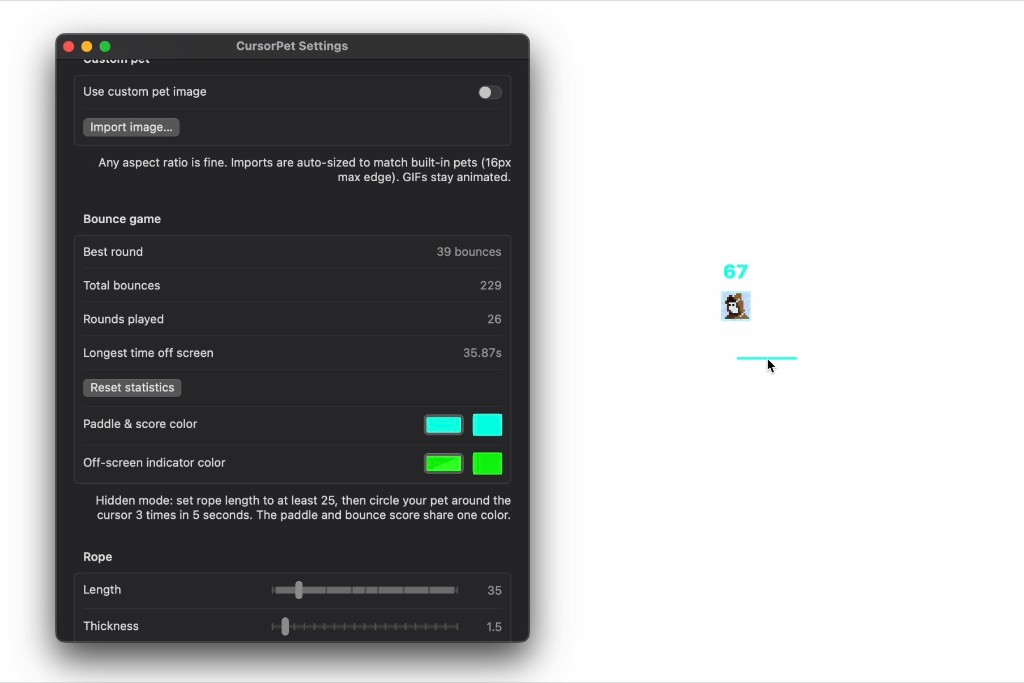
after launch, look for the pawprint icon in your menu bar (top-right). a pet appears attached to your cursor. left-click the pawprint for settings, right-click for the menu.
questions or bug reports? dm @0x45o on x, or email moving.narastek@gmail.com.
cursorpet does not collect, store, or transmit any personal data. there are no accounts, no analytics, and no tracking.
the app makes no network requests and works fully offline.
your settings and any image you choose to import are stored locally on your mac, inside the app's sandbox container, and never leave your device. you can remove an imported image at any time from the app's settings.
cursorpet does not share data with third parties, because it does not collect any.
questions about this policy? use the support contacts above. last updated: june 2, 2026.